2.1 KiB
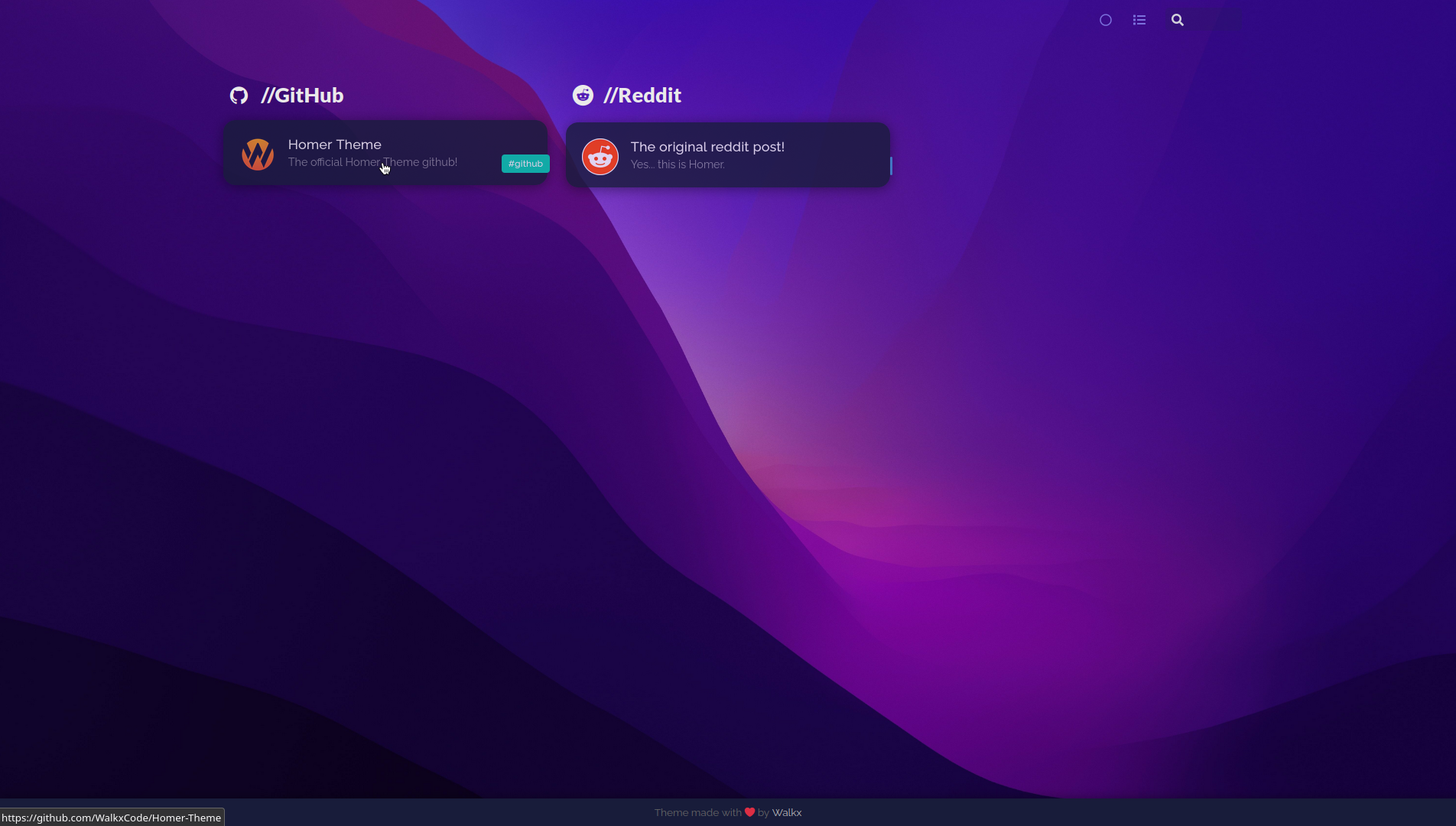
Homer Theme
Homer Theme is a theme for the Homer Dashboard.
• Demo [Coming Soon] • Getting started •
Table of Contents
All changes
- Custom font
- Spacing between cards
- Transparent cards
- Custom tag colors
- Custom wallpaper
- No header
Getting started!
Homer Theme is a theme for the Homer Dashboard.
Making sure your Homer is on Darkmode
On the top-right of Homer, you can find an icon to toggle dark-mode. Click it until the UI turns dark, and the icon looks like an empty circle!
Homer Theme will NOT work when using lightmode.
Getting the assets folder
Clone this repo. You can do this by running:
$ git clone https://github.com/WalkxCode/Homer-Theme.git
Now cd into the newly created folder.
$ cd Homer-Theme
And now for the final step move the assets folder into your Homers www folder.
You can find this directory by running
$ sudo docker inspect -f '{{ .Mounts }}' homer
Before moving the folder, make sure to create a backup. You can do this by running
$ sudo mv /homer/www/assets /homer/www/assets-backup
Make sure you replace /homer/www/assets with the location of your homers www folder.
Move the folder by running
$ sudo mv assets /homer/www
Make sure you replace /homer/www with the location of your homers www folder.