 e31e2fe913
|
||
|---|---|---|
| .github | ||
| images | ||
| README.md | ||
| pc-switch.yaml | ||
README.md
pc-switch

ESPHome powered switch to turn on/off your PC.
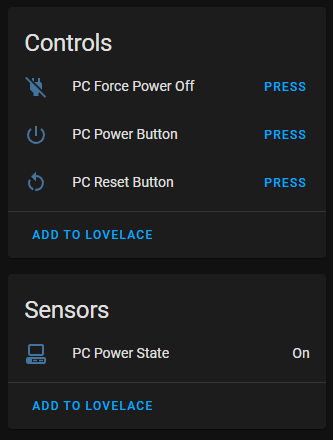
Just connect your power, reset and power led front panel connector to appropieate pin pairs, power the ESP8266 and you can turn on and off your PC via Home Assistant.
Use cases
- Hide your PC in a closet or on a shelf without the need to press the actual button. You can just connect any other button via home assistant
- Setup automation based on time, motion or the moon phase to power on your PC
- No funky magic packets anymore with wake on LAN (never worked for me)
- No addons with admin access (password) to your Windows PC
- Add voice commands via Home Assistant to Google Assistant
Powersource
Internal USB port
Most motherboard can deliver power over USB when the PC is off. Needs to be configure in the BIOS.
TPM header
Check your motherboard manual for a TPM header. Also check how much voltage the TPM header can supply. Then you can connect power and groud from the TPM header to the ESP8266
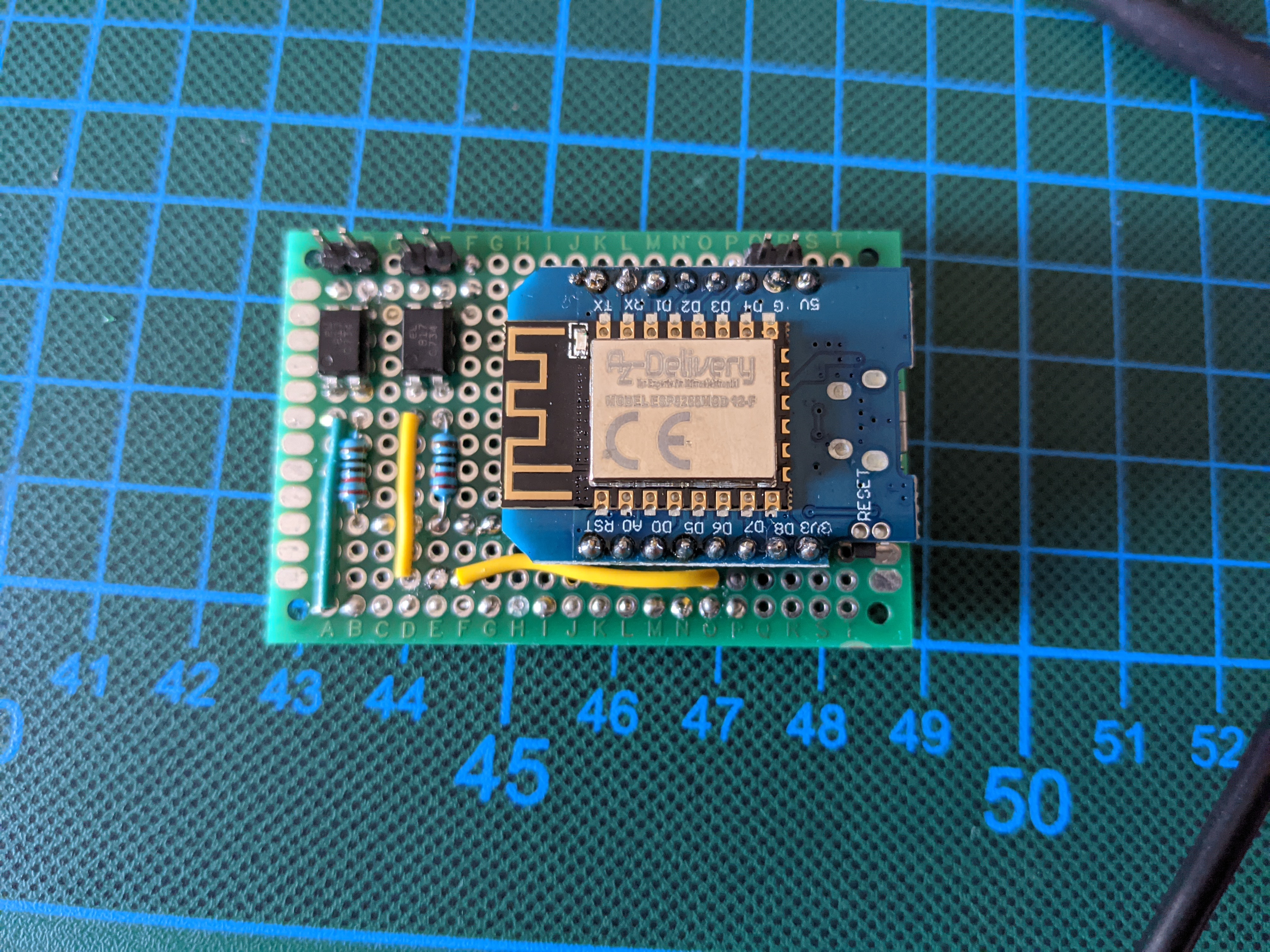
Parts
- Optocoupler: EL817
- Resistor:
- ESP8266-12F from AZDelivery
Todo
- powering the ESP8266
- Power, reset and hard power off switch for PC in Home Assistant
- Protoype on breadboard
- Create first soldered protoype
- Check for PC status
- Design PCB
- upload PCB
- Create 3D printed case
- Maybe enable MQTT to control this device (without home assistant)